
- calendar_today August 15, 2025
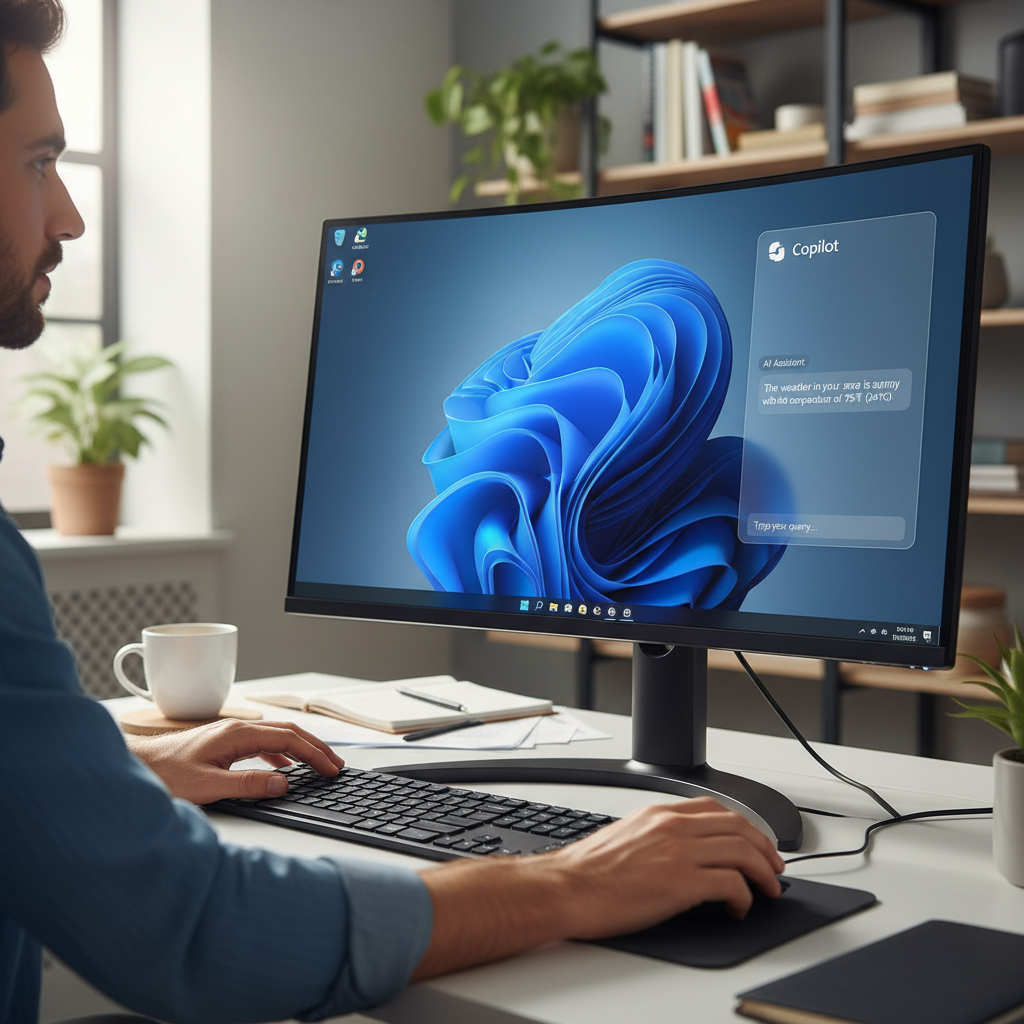
During its development, Microsoft’s Copilot assistant for Windows 11 encountered a complex journey because the tool’s initial versions often seemed developed as answers without specific problems in mind. Microsoft’s regular changes to Copilot’s features, which involved moving between a desktop application and a web service, enhanced this perception. The new Copilot Vision enhancement has piqued significant interest because it presents a practical solution to meet real user requirements.
Microsoft’s Windows Insider program testers now have access to an expanded version of Copilot Vision, which builds upon its original 2024 functionality to analyze Microsoft Edge web pages and respond to user questions. The new software update enables the system to analyze content from every application window visible on the desktop. The significant update enables users to utilize Copilot to both grasp document content and obtain direct assistance about application interfaces and functionalities. The development of Copilot Vision marks an important progression toward integrating AI assistance more deeply into Windows to improve user interaction and software learning experiences.
The enhanced version of Copilot Vision promises substantial real-world benefits if it achieves its designed reliability and accuracy, which remains essential for any tool powered by artificial intelligence. This technology offers to eliminate the common challenges users face when they need to search online for assistance to navigate new software applications or to figure out hidden features in complex PC software like Microsoft Word, Excel, or Adobe Photoshop.
The process of moving between related but different applications, such as Photoshop and Affinity Photo, highlights Copilot Vision’s potential usefulness. Users may face considerable time investment and frustration when they try to adapt to significant yet subtle differences in workflows and terminology across application interfaces. Copilot Vision delivers a direct and effective help system that supplies users with explanations and assistance precisely where they need it within the app environment. The need to shut down applications, browse the internet to search for answers, and filter through irrelevant information becomes unnecessary because users can request Copilot Vision for instant context-specific help on any function or interface element.
This feature provides a faster learning curve for new software users while improving productivity for those who need to become proficient in complex applications, resulting in both a more efficient and less frustrating computer experience.
Users must actively transmit their application window content to the Copilot assistant to utilize Copilot Vision’s enhanced features. Users must realize that during the sharing process, they are sending every visual aspect of the application interface, together with all data and content displayed in the window. The cloud-based operational model of Copilot Vision means the information needs to be sent to Microsoft’s servers for processing since it is available on all Copilot-enabled PCs rather than being restricted to the Copilot+ PCs that support local AI processing. Microsoft has previously addressed privacy concerns related to processing and transmitting sensitive application data through prior communications about Copilot Vision.
The company clearly mentions the deletion of all conversation data and context shared with Copilot after each Vision session. The output generated by Copilot gets recorded and kept for Microsoft to refine its safety systems. Microsoft’s comprehensive Privacy Statement applies to all data accumulated during this data storage process, and users should thoroughly review it to understand how their information is managed.
Users must enroll in the Windows Insider program to access new Copilot features, which require them to sign into a Microsoft account and consent to provide Microsoft with broader diagnostic data from their personal computer. Through this extended data sharing arrangement, Microsoft receives the ability to track pre-release software performance and stability while collecting user feedback that helps refine its development process. The latest Copilot update brings file search enhancements, which allow users to preview and read specific file contents directly from the Copilot interface while offering enhanced Vision capabilities.